What Is a Crypto Wallet and How Does It Work? Hot, Cold, Custodial and Non-Custodial Explained
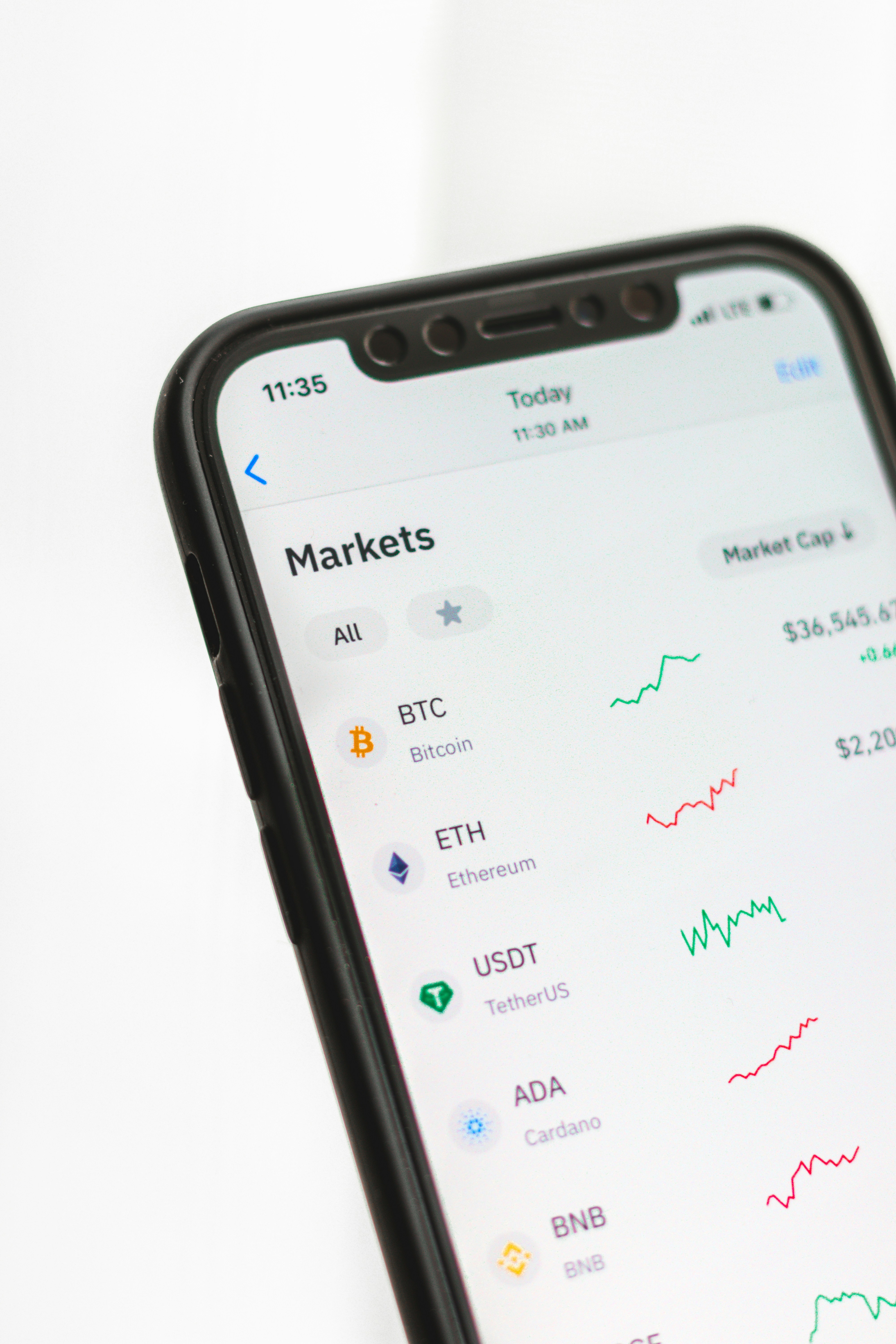
- Primary Signal: What Is a Crypto Wallet and How Does It Work? Hot, Cold, Custodial and Non-Custodial Explained
- Overview: What is a crypto wallet and how does it work? Keys, not coins: the public-private pair, hot vs cold wallets, custodial vs non-custodial, how a hardware wallet signs without exposin...
- Verification: Analyzed and compiled by 1UpTrade Quant editorial monitoring desk.
What is a crypto wallet and how does it work? The first thing to unlearn is the name. A crypto wallet does not store coins the way a physical wallet stores cash. Your coins live permanently on the blockchain itself, a public, shared record spread across thousands of computers. What a wallet actually stores is the cryptographic key that proves those coins are yours and lets you authorise moving them. It is less like a wallet and more like a keychain plus a signature, and that distinction matters because it explains every security rule that follows.
Every wallet is built around a pair of keys. Your public key, or an address derived from it, is what you share with others so they can send you crypto. It is safe to give out, similar to a bank account number. Your private key is what lets you authorise spending from that address, and it must never be shared. Anyone who has your private key can move your funds, irreversibly, with no company to call for a reversal. If someone else has your keys, they have your crypto. That single sentence is the whole security model.
Wallets fall into two categories by connection. Hot wallets stay connected to the internet: mobile apps, desktop software, and browser extensions such as MetaMask and Trust Wallet. Because they are always online, they let you swap tokens, interact with apps, trade, or send payments in seconds. The trade-off is exposure: your private keys live on an internet-connected device, so malware, compromised extensions, or fake websites could potentially reach them. Cold wallets keep private keys completely offline, typically on a hardware device with a secure chip inside. They prioritise security over convenience, which is why they are the standard for long-term storage of larger amounts.
The second split is who holds the keys. A custodial wallet is one where a company, typically an exchange, holds the private keys on your behalf, similar to how a bank holds your money. It is the easiest option for active trading, but you are trusting the platform. A non-custodial wallet is one where you alone hold the private key, which means full control and full responsibility: if you lose your recovery phrase, you have lost your crypto, and nobody can restore it for you.
Here is how a cold wallet actually signs a transaction, because the guides describe it vaguely and the mechanism is the point. When you need to send crypto, the unsigned transaction is sent to the device by USB, Bluetooth, or QR code. You review the details on the device screen, press a button to confirm, and the signed transaction goes back to your computer for broadcasting. At no point does the private key touch the internet. That is the entire security advantage in one flow, and it is why a hardware wallet protects you even when the computer connected to it is compromised.
The setup most experienced users land on is the hybrid approach, and it is the part the beginner guides mention but rarely quantify. Store roughly 90% or more of your crypto in cold storage, and keep the rest in a hot wallet for everyday activity, moving funds between the two as needed. Small amounts for trading live in the hot wallet, where speed matters and the loss would be survivable. The bulk sits offline, where it cannot be reached remotely.
Your recovery phrase is the backup that makes the whole system survivable, and the rules around it are absolute. When a wallet is created you receive a seed phrase of 12 or 24 English words, standardised so that entering them in the right order regenerates both keys, even on a different vendor's device. Write it down on paper. Do not screenshot it. Do not store it online, in a notes app, or in an email. Physical destruction of the wallet destroys only the device, not your funds, as long as the phrase survives. Lose the phrase and lose the device, and the funds are gone.
The theft vectors to actually guard against, in order of likelihood for a beginner: fake wallet apps and phishing sites that steal your phrase, malware and compromised browser extensions on a hot wallet, and social engineering, someone convincing you to share the phrase or approve a malicious transaction. Cold storage defeats the remote attacks. Nothing defeats handing the phrase to a stranger. So the decision is simple: hot wallet for what you trade with, cold wallet for what you keep, custodial only where you consciously accept the platform's control, and a paper seed phrase that never touches a camera or a cloud.
📖 Continue Reading the Full Story
Continue reading this article on 1UpTrade Quant.
⚡ Access Full Content NowMore from 1UpTrade Quant



 🐋 CryptoAce VIP
How Does Crypto Tax India Work for Traders in 2026?
India taxes gains from virtual digital asset transfers at a flat 30% and applies 1% TDS on transfers. This gui...
🚀 RocketCoin Casino
How Much Does a Missed Call Cost a Crypto Casino?
A missed player call isn't just poor service — in gaming, player lifetime value is everything. The step-by-ste...
⚡ LiveCoin Bet
Does Instant Text-Back Recover Missed Calls During Market Volatility?
Volatility is when call volume spikes and staff are busiest — the worst combination for missed calls. An insta...
🪙 FreeFortune Crypto
How Much Does a Missed Call Cost a Web3 Startup?
The user who called was the motivated one — and motivation is perishable. Step-by-step math on what missed cal...